Description About trigger a click:
Bind an event handler to the “click” JavaScript event, or trigger that event on an element.
OR
A way to trigger the event handlers bound to an element without any user interaction via the .trigger() method.
What handlers can be .trigger()’d?
jQuery’s event handling system is a layer on top of native browser events. When an event handler is added using .on( "click", function() {...} ), it can be triggered using jQuery’s .trigger( "click" ) because jQuery stores a reference to that handler when it is originally added. Additionally, it will trigger the JavaScript inside the onclick attribute.
CASE – 1
We can use trigger like this : $("#test1").trigger("click");
CASE – 2
We can use click() function like this : $("#test1").click();
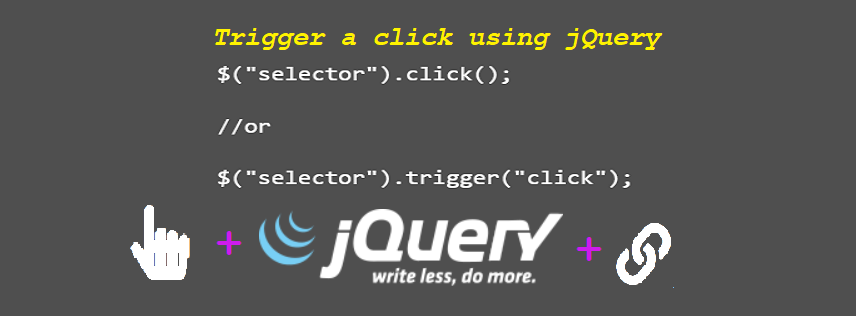
$("selector").click();

//or

$("selector").trigger("click");
CASE – 3
If we want to write a function on programmatically Click then..
$(document).on("click", "a", function(){
    $(this).text("It works!");
});

$(document).ready(function(){
    $("a").trigger("click");
});

$('#test2').find('span').trigger('click'); // Works

$('#test2 span').trigger('click'); // Also Works

document.getElementById('test1').click(); // Also Works!
You can get more details about this topic from here.
To get to know more about other JQuery topics, you can check these articles too.